Inclusive Design Principles Every Product Team Should Know
Learn the core principles of inclusive design that every product team should follow. Discover how designing for accessibility and diverse users creates better products, wider reach, and stronger customer loyalty.
|
6 min read
What Inclusive Design Means
Here's something a lot of product teams get wrong: they think inclusive design is a nice-to-have. A checkbox to tick off. Something you do at the end if you have time.
Wrong. Inclusive design is not about charity or compliance. It's about reaching more users, creating better products, and building trust.
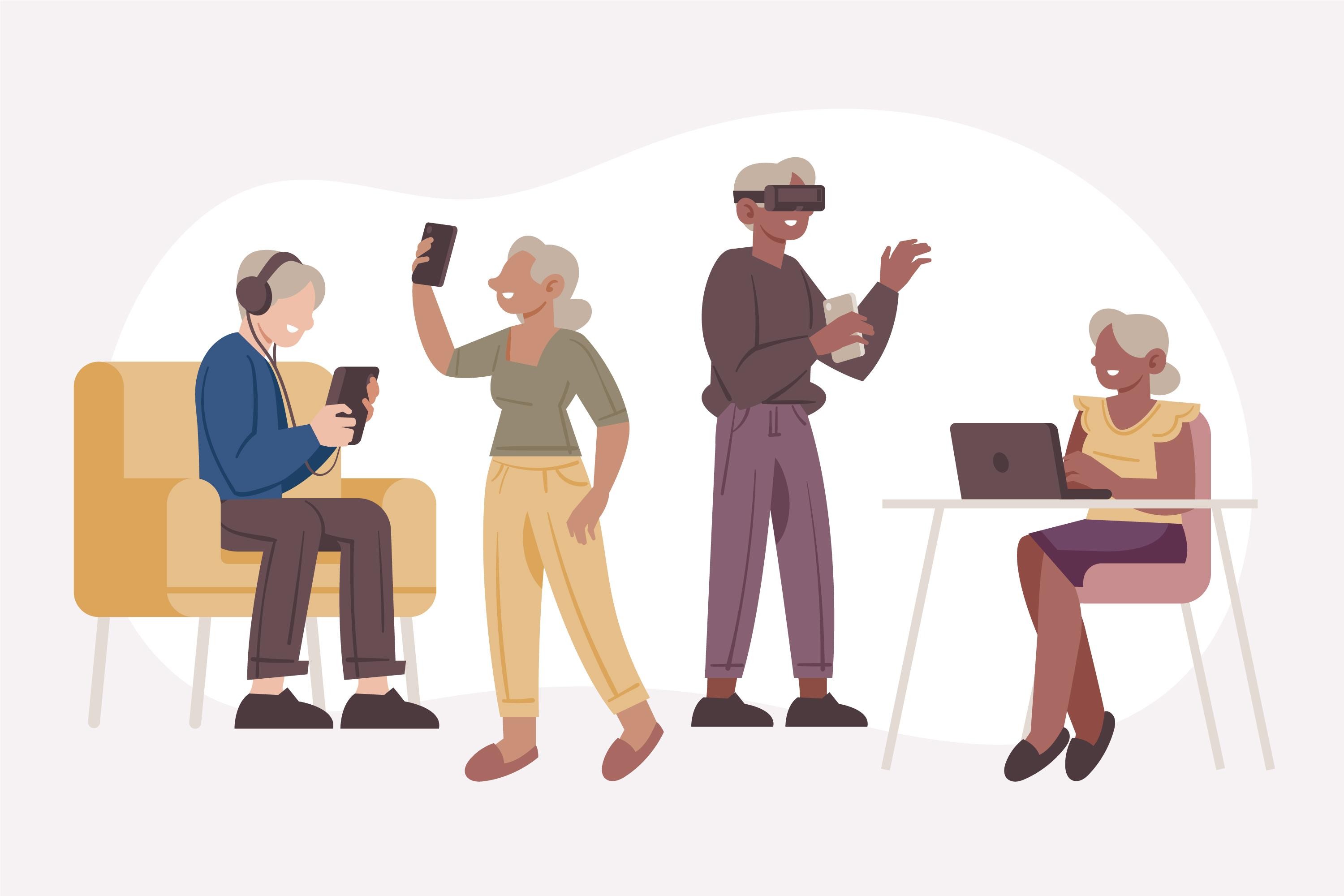
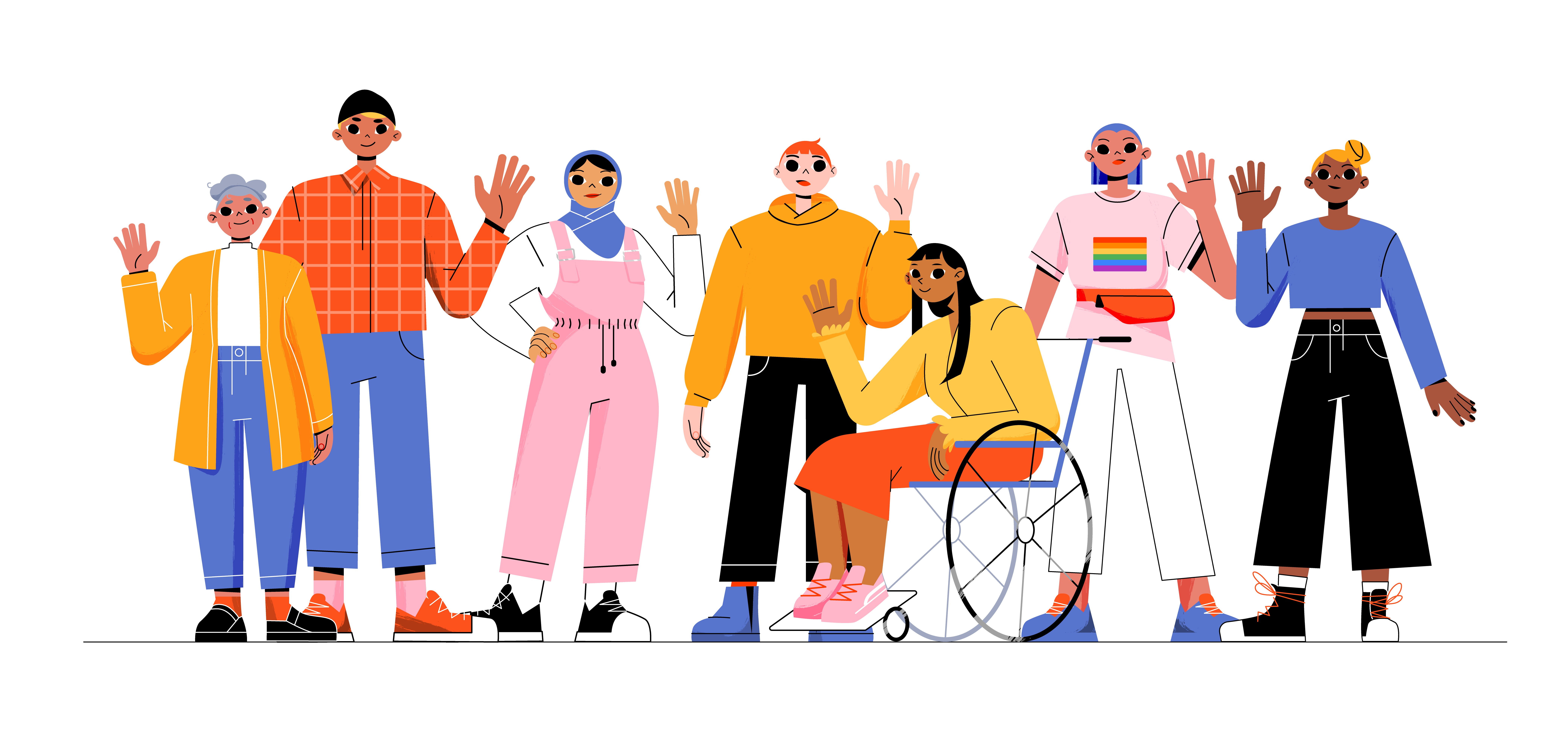
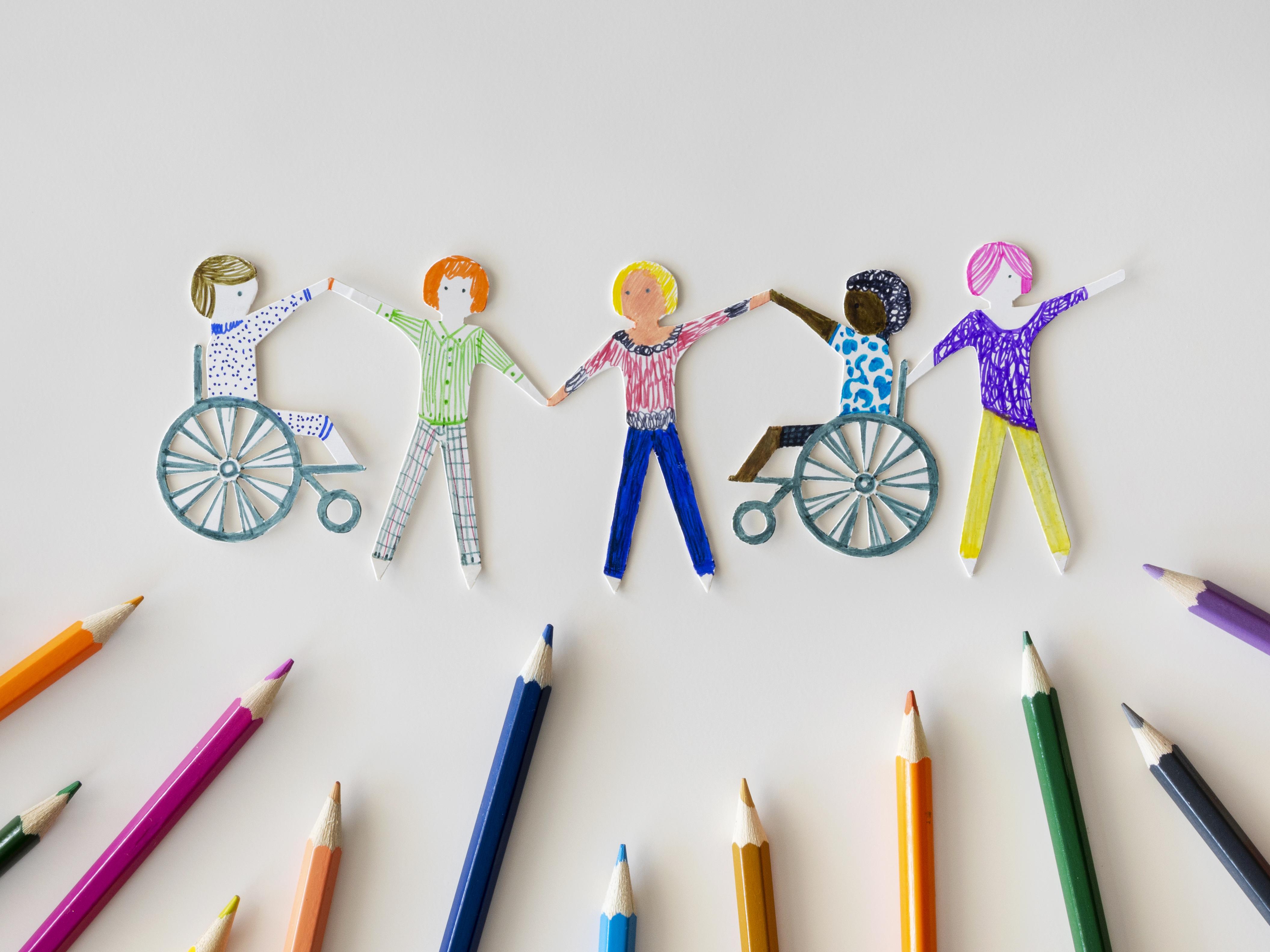
Inclusive design means creating products that are usable by the widest possible range of people, regardless of ability, age, language, or background. It's not about building separate experiences for people with disabilities. It's about building one experience that works for everyone. An older user who struggles with small text benefits from the same larger font that helps someone with low vision. A user with shaky hands benefits from the same large touch targets that help someone with a mobility impairment. A parent holding a baby one-handed benefits from the same one-handed interface that helps someone with an arm injury.
That's the real power of inclusive design. When you design for the edges, you improve the experience for everyone in the middle.
And here's the business case: inclusive design expands your market. Better usability means better retention. Trust matters. And in a crowded product landscape, trust is currency.
Core Principles Product Teams Should Follow
So what does inclusive design actually look like in practice? Here are the principles that matter.
Recognize Exclusion and Design for Edge Cases
Your product probably works fine for someone in perfect conditions. Young, sighted, hearing, no disabilities, sitting down, using a modern device, speaking the same language as your team. Great. But what about everyone else?
Someone using your app on a bus with gloves on. Someone with tremors trying to tap a small button. Someone using your product in a second language they're still learning. Someone accessing your site on a phone with a cracked screen they can't afford to replace right now. These aren't edge cases. They're real users with real needs.
Start by asking: who are we excluding right now? Then design to include them.
Learn From Diverse Users and Real Research
Here's a trap teams fall into: they assume they understand diverse users without actually talking to them. A designer thinks a feature is accessible because it meets WCAG guidelines. Then a blind user tells them the screen reader experience is confusing. A designer thinks a form is simple. Then someone with dyslexia struggles to understand what they're being asked.
Assumptions kill inclusive design. Real research saves it.
Talk to users with disabilities. Talk to older users. Talk to users whose first language isn't English. Talk to users in different countries, different economic situations, different contexts. Then actually listen.
Solve for One User Group in a Way That Benefits Many
When you design for wheelchair users, you create ramps. Ramps help people with strollers, people with luggage, delivery drivers, elderly people with canes. Same principle applies to digital design.
Large touch targets for people with mobility impairments? Also great for anyone on a mobile train. Clear navigation for people with cognitive disabilities? Also great for users in a hurry. Captions for deaf users? Also helpful in noisy environments and when users don't want to use speakers.
Designing for one group improves the experience for many. That's not a coincidence. That's good design.
Design for Accessibility, Flexibility, and Clarity
Accessible means people can actually use your product. Flexible means it works in different ways for different people. Clarity means people understand what to do.
This means readable typography. Sufficient color contrast. Descriptive labels and headings. Keyboard navigation. Forms that tell you what went wrong. Error messages written in plain language. Multilingual support where your users need it. Dark and light mode options. The ability to adjust text size. Captions and transcripts. Alt text for images.
It sounds like a lot. It's not. Most of it is just good design. Good design is inclusive design.
Test With Users Across Different Abilities, Contexts, and Backgrounds
You can't design for everyone if you only test with people like you.
Test with users who have disabilities. Test with older users. Test with users in different countries. Test on different devices. Test in different contexts (noisy, bright, slow internet, small screen, one hand, etc.). Test with people using assistive technology like screen readers, magnifiers, or voice control.
Then actually listen to what they tell you. Not just whether they can complete the task, but how hard it was. Where they got confused. What frustrated them. What surprised them.
That feedback is invaluable. It's also the only way to catch problems you didn't see coming.
How Product Teams Can Apply Inclusive Design
Here's the thing about inclusive design: it only works if it's built into your process, not tacked on at the end.
Start With an Audit
Look at your current product. Where are you excluding people? Are your forms error-tolerant or do they punish mistakes? Is your typography readable or eye-straining? Can people navigate without a mouse? Is your color contrast sufficient? Can people understand your interface in multiple languages or with assistive technology?
You don't need to be an accessibility expert. Ask your team. Ask your users. There are also free tools like WebAIM and axe DevTools that can flag obvious issues.
Identify Exclusion Points
Once you know where you're excluding people, prioritize. Some exclusions block people entirely (can't navigate). Some cause friction (takes 10x longer). Some are annoying but manageable. Start with the ones blocking people.
Research and Design With Diverse Users
Don't assume. Ask. Include people with disabilities in your user research. Include older users. Include users from different backgrounds and countries. Include people who might use your product in different contexts or with assistive technology.
This isn't separate from your normal research. It is your normal research.
Build Accessibility Into Design Reviews
When a designer presents work, ask: Can someone navigate this with a keyboard? Can someone using a screen reader understand this? Is this readable for someone with low vision? Is this clear if someone is colorblind? Is this simple enough for someone with cognitive disabilities?
Make it part of the conversation, not an afterthought.
Test Continuously With Diverse Users
Usability testing should include people with disabilities. Accessibility testing should include real users. Before launch, test with people using the assistive technology your users actually use.
Embed Inclusive Design Into Team Culture
This is the hardest part and also the most important. Inclusive design only works if the whole team cares. Designers. Developers. Product managers. Marketers. Everyone.
Make it a value. Celebrate inclusive design wins. Educate the team on why it matters. And hold each other accountable. If someone ships something inaccessible, that's not a surprise. That's a reminder to do better next time.
Action Plan to Get Started:
Audit your current experience. Where are the biggest exclusion points?
Identify one thing to fix. Don't try to fix everything at once.
Research with diverse users. Talk to people your product might exclude.
Iterate continuously. Inclusive design isn't a destination. It's a practice.
The best part? Inclusive design isn't extra work. It's just good product design. And good product design reaches more people, builds stronger loyalty, and creates better products. That's good business.
Start small. Stay committed. Your users will thank you.